Stop pasting screenshots
one. by. one.
Stik stacks your shots in the side panel and drops the whole set — in order — with a single ⌘V. A quiet darkroom for your screenshots.
Works on Chrome & Brave · Free plan, no account needed
Don't imagine it. Use it.
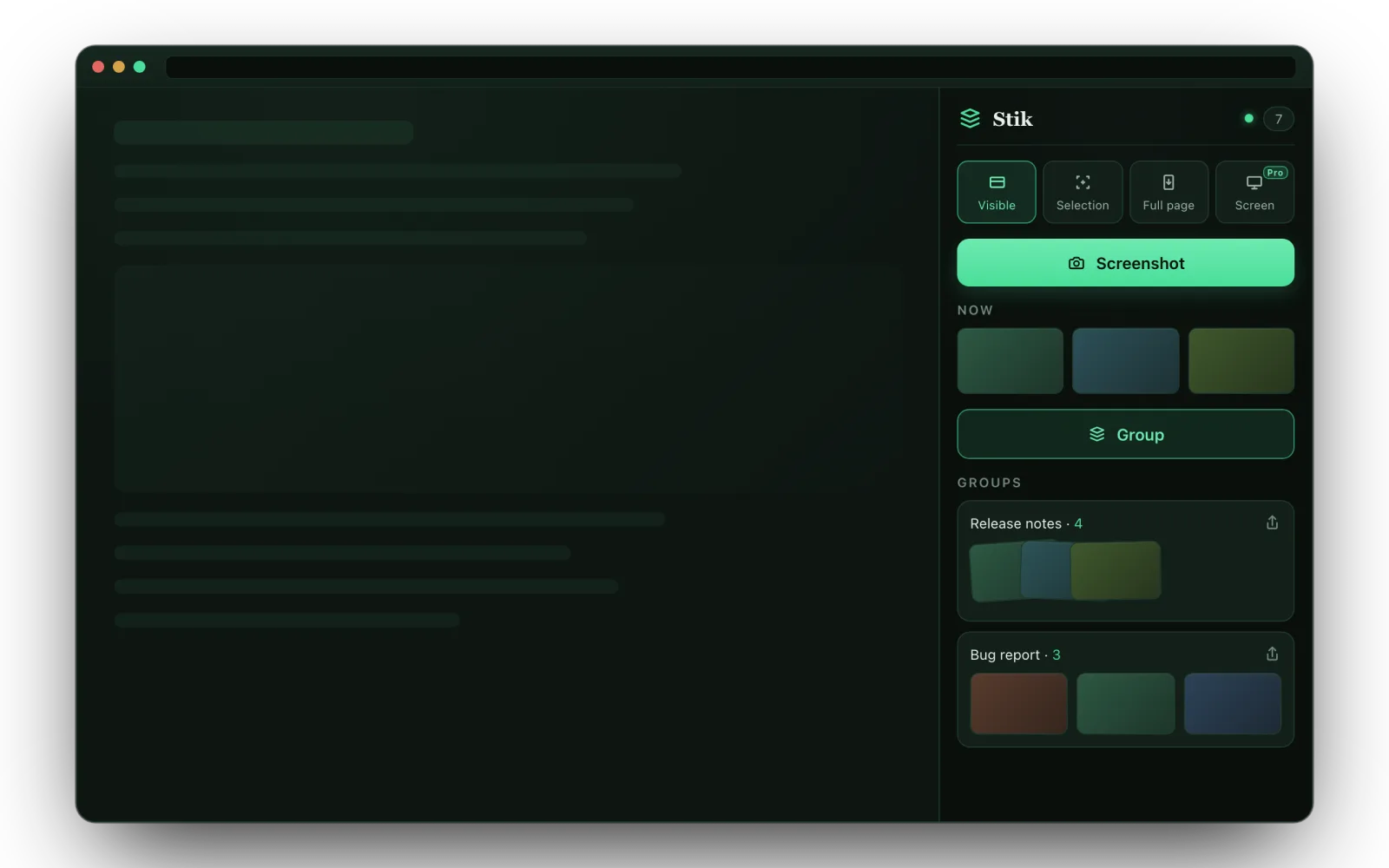
This is the actual Stik flow, running right here — capture the sample page, bundle shots into a group, annotate, share. No install, nothing uploaded.
Follow the numbered steps in the panel: 1 Screenshot · 2 Group · 3 Share → Copy — then open the 𝕏 tab and paste with ⌘V. Click any thumbnail to open the annotation editor.
Three actions. Nothing to learn.
Capture
One click drops the current view into the NOW tray. Switch between visible area, a dragged selection, full page, or the entire screen.
Group
Hit Group to bundle everything in NOW into one named set. Drag thumbnails between groups or reorder them — mouse or keyboard.
Share
Press Share, choose Copy — then paste every image at once into Slack, Notion, or X. No file dialog, no one-by-one drag.
One paste. Many images.
You know the drill: eight screenshots for one bug report, dragged into Slack one at a time — upload, wait, repeat — and they still land out of order.
Stik ends that. Copy a bundle and every screenshot hits your clipboard as a real file — not one flattened image, not a link. A single ⌘V drops all eight, in order, right where you're typing.
It's the thing a normal “copy image” can't do. Stik uses the browser's native share path to get there — no uploads, no accounts.
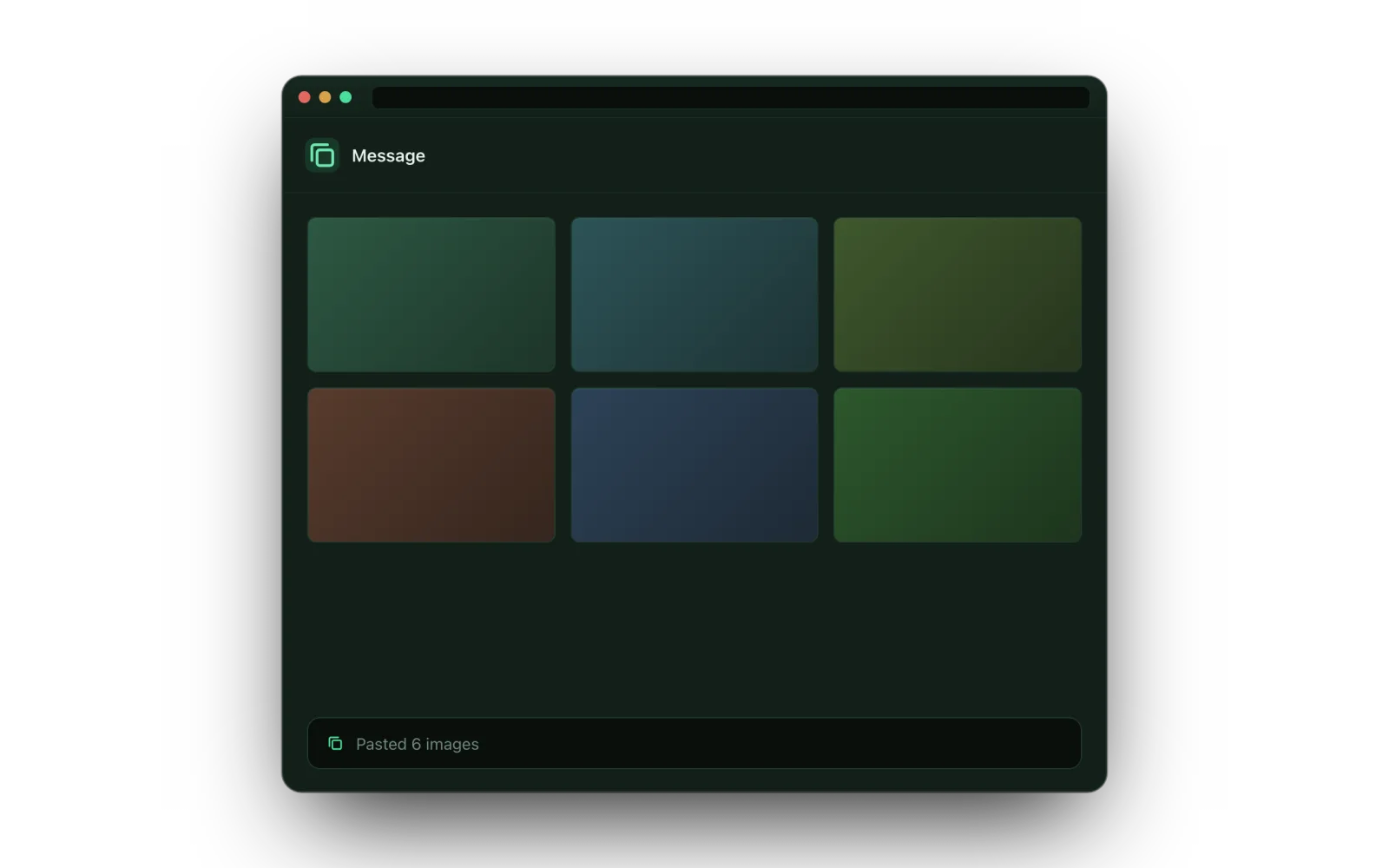
The test: paste 6 screenshots into Slack.
| Right-click “Copy image” | Other screenshot extensions | Stik | |
|---|---|---|---|
| Paste 6 shots with one ⌘V | ✗ one at a time | ✗ one file at a time | ✓ all 6, in order |
| Shots stay grouped by task | ✗ holds only one | ✗ a flat camera roll | ✓ named bundles |
| Annotate before sharing | ✗ | ✓ some do | ✓ arrows, text, blur |
| Full-page capture | ✗ | ✓ some do | ✓ free |
| No uploads, no account | ✓ | ✗ many push cloud links | ✓ stays on your device |
Grab exactly what you mean.
Visible area
The active tab's viewport in one click. No permission prompt.
Selection
Drag a rectangle, ⌘⇧4-style, and crop to just that region.
Full page
Scrolls and stitches the whole page into one tall shot.
Entire screen PRO
Capture any window or app — the only mode that reaches beyond the browser.
Annotate before
you share.
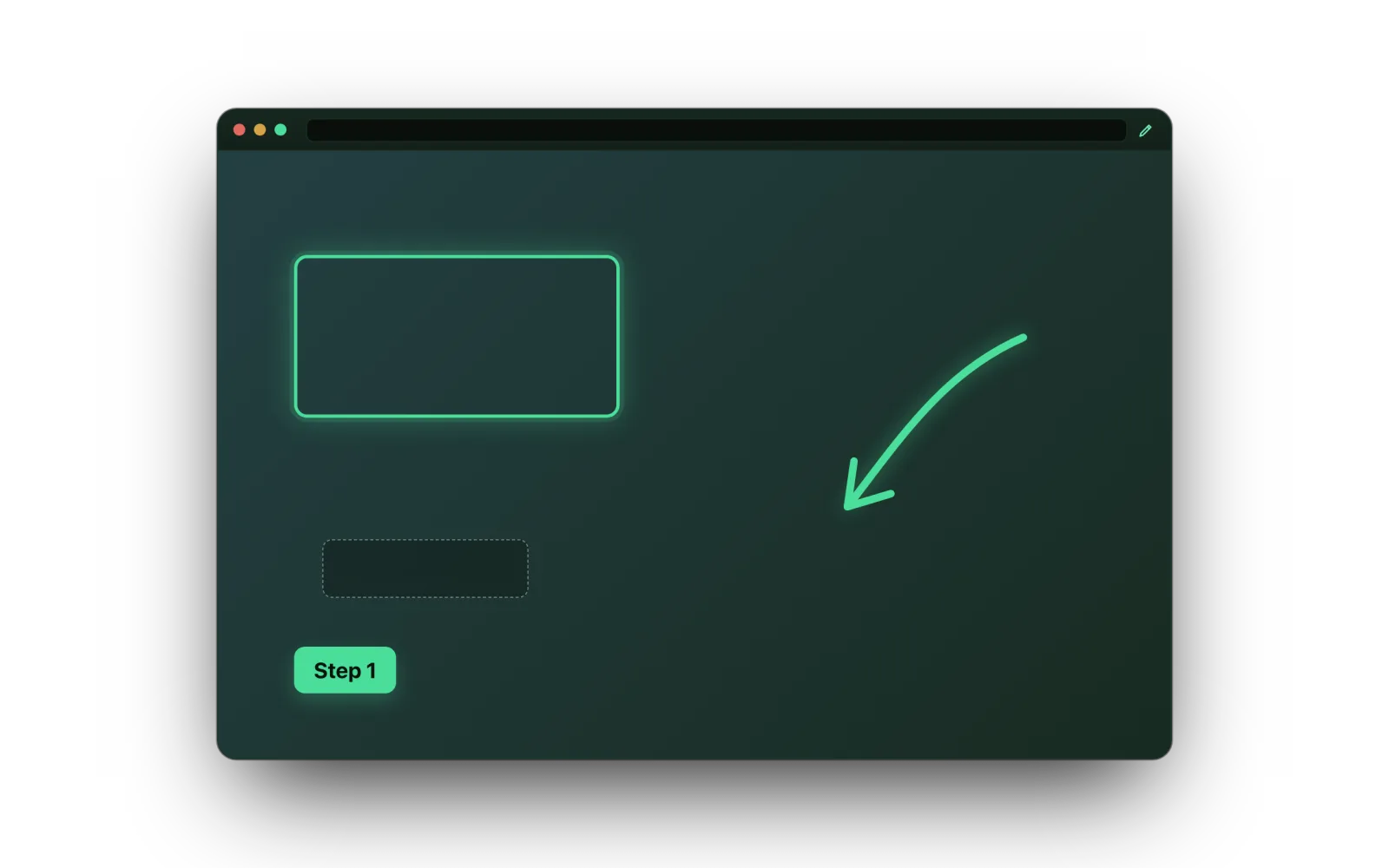
A built-in editor opens any shot. Drop arrows, text, callouts and freehand pen marks — all free.
Pro adds shapes, blur & redaction, and re-editable layers you can come back and change later.
Free to use. Pro when you need more.
Capturing, sharing and core annotation are free — including full-page. Pro adds full-screen capture and the advanced editing tools.
- Visible, Selection & Full-page capture
- Group shots, then drag & reorder
- One-paste multi-image share
- Annotate: arrows, text, callouts & pen
- Export as PNG files
- Everything in Free
- Entire-screen capture
- Blur & redaction
- Shapes — rectangle, ellipse, line
- Re-editable layers
Cloud sync is on the roadmap.
Private by design.
Stays on your device
Screenshots and groups live in your browser's local storage. Nothing is uploaded to our servers — there are none in the capture path.
No account, no tracking
The free plan needs no sign-up. Pro activation talks only to the payment provider over HTTPS — your images never leave the device.
Honest permissions
Built on Manifest V3 with a strict content-security policy. Syncing to Google's servers is deliberately turned off.
Good questions.
Which browsers does Stik support?
Stik runs on Chromium browsers with a side panel — Chrome 116+ and Brave are the primary targets. Edge should work too. Safari isn't supported (its Web Share behaves differently).
How does pasting many images at once work?
When you copy a group, Stik uses the browser's native share path to place each screenshot on your clipboard as a file. Apps like Slack, Notion, and X then accept all of them in a single paste — something a regular “copy image” can't do.
Where are my screenshots stored?
Entirely in your browser's local storage on this device. They aren't sent anywhere, and signing out wipes them. If a target app can't accept a paste, you can export the group as PNG files instead.
What do I get with Stik Pro?
Core annotation (arrows, text, callouts, pen) is free. Pro adds entire-screen capture, blur & redaction, shapes, and re-editable layers — $6.99/month or $39/year ($3.25/mo). Cloud sync is planned.
Do I need an account to use it?
No. The free plan works immediately with no sign-up. Only Pro requires a license, activated through the payment provider.
Stop juggling screenshots.
Capture, bundle, and paste them all in one move.
Add Stik to Chrome — Free